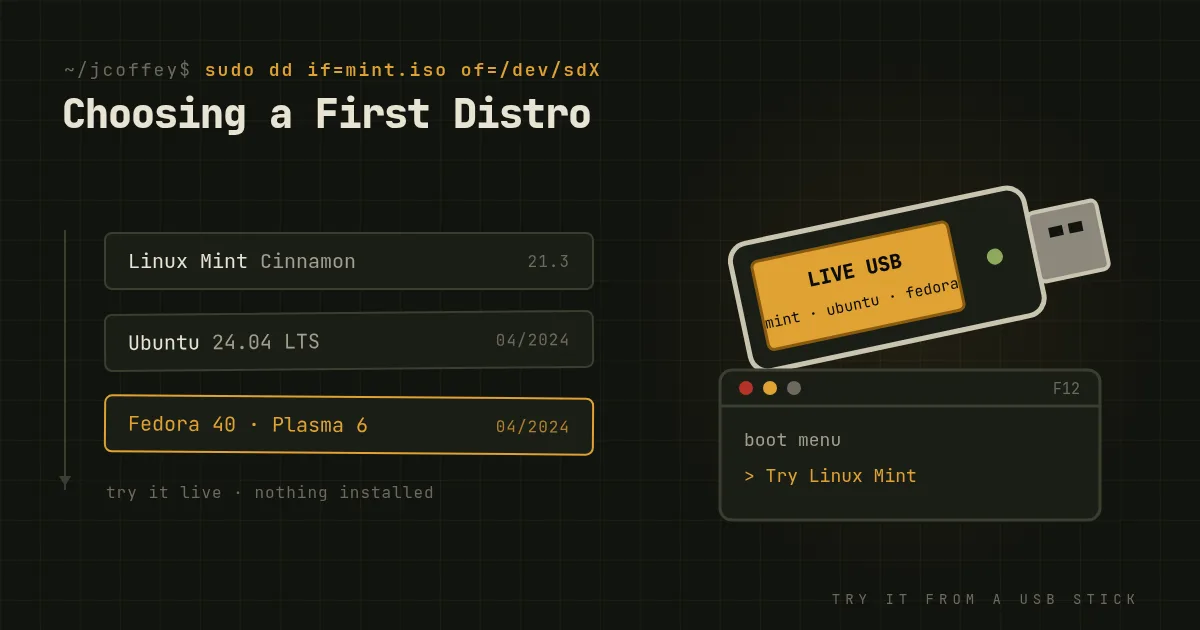
Ask a Linux forum which distribution a beginner should use and you'll get forty answers, three arguments and someone telling you to install Arch. It's enough to put anyone off before they start.
Here's the reassuring truth. Nearly every mainstream distribution runs the same kernel, the same browsers, the same office suite and mostly the same applications. Your first choice matters much less than the internet makes it sound, and you can change your mind later. What matters is picking something that works on your hardware and doesn't fight you in the first week.
What a distribution actually decides
Four things, really.
1. The desktop environment. This is what you'll actually see and touch, and it matters more than the distribution underneath. The main options:
- Cinnamon: a traditional layout with a taskbar and a start menu. The most familiar to Windows users.
- KDE Plasma: traditional by default and endlessly customizable. Plasma 6 arrived this February and it's the best it's ever been.
- GNOME: a clean, modern, keyboard-friendly design that works differently from Windows. Some people love it immediately and some never get used to it.
- Xfce: lightweight and plain, and good for older hardware.
2. The release model. Fixed releases like Ubuntu LTS, Linux Mint and Debian give you a stable set of software for years, with security updates only. Rolling releases like Arch and openSUSE Tumbleweed update everything continuously. Beginners should start with a fixed release. Stability beats novelty when you're still learning where things are.
3. Hardware support, especially NVIDIA. If your machine has an NVIDIA graphics card, the easy path is a distribution that installs NVIDIA's proprietary driver for you: Linux Mint, Ubuntu and Pop!_OS do it in a click. AMD and Intel graphics work out of the box almost everywhere. Very new laptops may want a distribution with a newer kernel, like Fedora.
4. Community and documentation. When something goes wrong, you'll search for the answer. The bigger the user base, the more likely someone has already asked your exact question. That's a big reason the Ubuntu family is easy for beginners.
Where to start in mid-2024
You can't go wrong with any of these:
- Linux Mint with Cinnamon. The easiest recommendation for anyone coming from Windows. It's based on Ubuntu's long-term releases, it's conservative about changes, its update manager is clear, and the layout feels familiar on day one. Version 22 is due this summer.
- Ubuntu 24.04 LTS, released in April and supported for five years. GNOME with Ubuntu's own tweaks, and the most documentation of any desktop distribution. One caveat: it pushes Snap packages, which some people dislike.
- Fedora Workstation 40, if you want newer software and a clean GNOME, or the Fedora KDE edition for Plasma 6. It's very well engineered, with a new release about every six months, and it's what Linus Torvalds runs.
- Pop!_OS from System76, which ships good NVIDIA support and is designed with developers in mind.
- Zorin OS, whose layouts are designed to look like Windows or macOS for people who want the transition to be as gentle as possible.
What I'd skip for a first install: Arch, Gentoo or anything you install by typing commands from a wiki. They're excellent, and you'll learn a lot from them later. Not as your introduction.
Try before you install
The best part about Linux is that you don't have to commit.
- Download the ISO for the distribution you want to try, from its official site.
- Write it to a USB stick with balenaEtcher or Fedora Media Writer. Or use Ventoy, which lets you copy several ISOs onto one stick and pick one at boot, so you can try three distributions in an afternoon.
- Boot from the USB stick. Most distributions run a full "live" session straight from the stick, without touching your hard drive.
- Test the things that matter to you: Wi-Fi, sound, your webcam, your external monitor, suspend and resume, and the applications you need.
If it all works, the installer is on the same stick. You can install alongside Windows and pick at boot, or replace it entirely. Back up first, either way.
The first week
- Run the update tool before anything else.
- Find your software store. Most applications you'll want are a search away, including Firefox, Chrome, LibreOffice, Steam, VLC, Spotify, Zoom and Discord. Flathub has a huge catalog that works across distributions.
- Check the alternatives for what's missing. No Microsoft Office? LibreOffice, or Office on the web. No Photoshop? GIMP or Krita, or Photopea in the browser. For the one Windows app you can't replace, there's Wine, a virtual machine or dual-booting.
- Don't fight the terminal, but don't fear it either. You can use a modern desktop distribution without it. When a guide gives you a command, read it before you paste it, and you'll learn as you go.
You'll probably try a second distribution eventually. Nearly everyone does. That's not a sign you chose wrong. It's how people find what they like.
Since then
Added October 2026. Linux Mint 22 came out later in July 2024, and when Windows 10 support ended in October 2025, a lot of people tried exactly this for the first time. As for me, after decades on Debian I wrote about trying something very different in A Debian Veteran Tries CachyOS. Whatever you choose, support the distro.