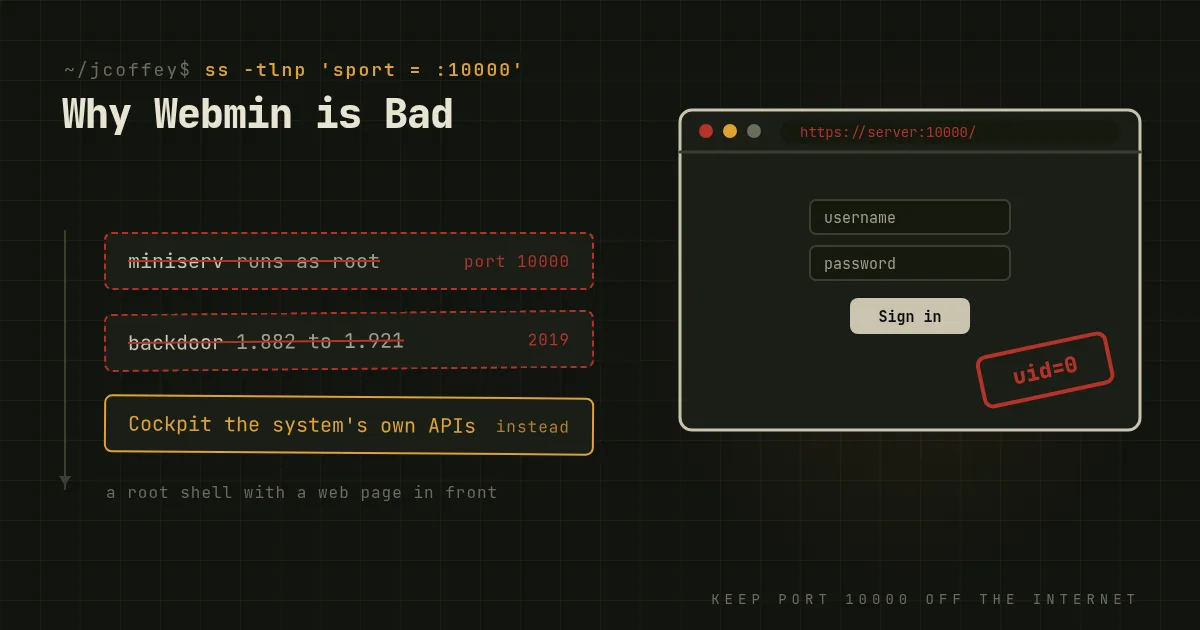
Webmin has been around since 1997. It's a web interface for managing a Unix system: users, packages, Apache, BIND, Samba, cron, firewall rules, almost anything, all from a browser. It's still maintained, it's free, and it's beloved by a lot of people running small servers.
I tell people to avoid it. Not because the people who built it did a bad job, but because of what it is. Here's the case.
It's a root shell with a web page in front of it
Webmin runs its own web server, a Perl program called miniserv, on port 10000, as root. It has to, because its job is to change anything on the system. That means every bug in any of its dozens of modules, every flaw in its login handling, and every vulnerability in its web server is potentially a root compromise of the machine.
And it's frequently exposed to the internet, because remote access is the whole point. Search engines that index internet-facing services find large numbers of Webmin login pages on any given day.
It shipped a backdoor
In August 2019 a security researcher disclosed a remote code execution flaw in Webmin's password-change page that let anyone run commands as root without logging in. It turned out not to be a bug. Someone had compromised the project's build infrastructure and inserted the backdoor into the release packages, though not the source repository, in versions 1.882 through 1.921. Most of those versions were only exploitable if the password-expiry feature was turned on, but one was vulnerable in its default configuration. The malicious code had sat in official downloads for more than a year.
The maintainers fixed it quickly once they knew, in version 1.930. But it's a perfect illustration of the risk: a single compromise of a root-privileged remote management tool gave attackers every server that installed it.
It hides what it changes
Webmin manages services by reading and rewriting their configuration files with its own parsers. Most of the time that works. When it doesn't, you get configuration that's been reformatted, comments that have moved or vanished, or directives written in ways the package maintainer didn't expect, which can then conflict with the next package upgrade.
Worse, the administrator often doesn't know exactly what changed. Click a checkbox and some file somewhere is different. When something breaks six months later, there's no record of what the button did. On a well-run system, configuration changes are visible, reviewable and ideally in version control.
It keeps people from learning
This one matters more than it sounds. A web panel lets someone run a server without understanding it, right up until the moment it breaks, and then they're stuck. If the Webmin module doesn't support what you need, or Webmin itself won't start, or the network is down and all you have is a console, you need the command line and the configuration files anyway.
Every hour spent clicking through Webmin is an hour not spent learning the system underneath, and that knowledge is what gets you through a bad night.
What to use instead
- To learn and manage one server: SSH, the command line and the real configuration files. Keep
/etcin Git withetckeeperso every change is recorded. - To manage many servers: configuration management. Ansible is the easiest place to start. Changes are written down, reviewed and repeatable.
- If you want a web interface: Cockpit. It's developed by Red Hat and packaged in most major distributions, and it takes a very different approach from Webmin. It uses the system's own interfaces, systemd, NetworkManager and the journal, rather than editing files with its own parsers, so whatever it does is exactly what you'd see from the command line. It logs you in with your normal system account and sudo, and it's socket-activated, so nothing listens until it's needed. It also covers less than Webmin, deliberately.
If you must run Webmin
Sometimes the decision isn't yours. A client depends on it, or a hosting panel is built on it. If so:
- Never expose port 10000 to the internet. Bind it to localhost and reach it through an SSH tunnel or a VPN.
- Turn on two-factor authentication. Webmin supports it.
- Update it promptly, from the official repository, and subscribe to its security announcements.
- Restrict which modules each Webmin user can use, and don't log in as root unless you need to.
- Back up
/etcbefore making changes through it, and know how to make the same change by hand.
Webmin made Unix administration approachable for a lot of people, and I respect that. But a root-privileged web panel that rewrites your configuration out of sight isn't how I'd want anyone to run a server they care about.