In 2013 one of the Snowden slides showed a hand-drawn sketch of Google's network, with a smiley face at the point where traffic left the public internet. The caption said "SSL added and removed here." Google encrypted traffic between users and its front ends, then sent it unencrypted between its own data centers, where the NSA was reading it.
The engineers' reaction was unprintable, and it changed the industry. Within a few years Google encrypted its internal links. Let's Encrypt started issuing free certificates in 2015. Browsers began marking plain HTTP as "Not secure" in 2018, and today well over nine in ten pages loaded in Chrome arrive over HTTPS.
So the front door is locked. Most of the rest of the house still isn't, and that's what "encryption everywhere" is about.
The three places data lives
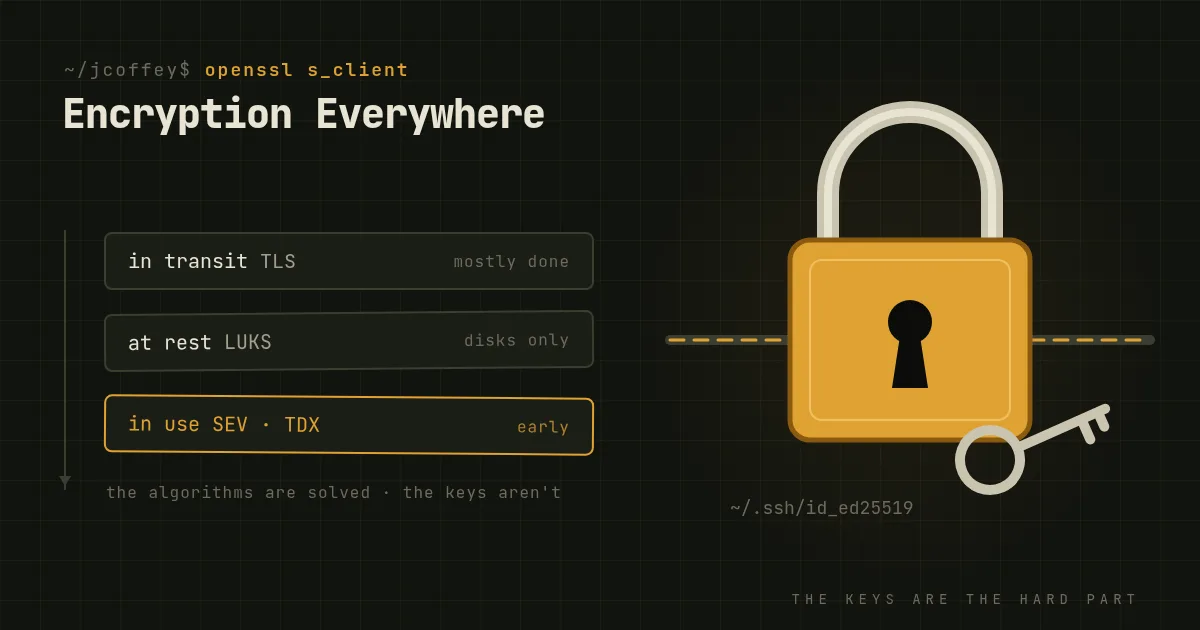
In transit means crossing a network. TLS is the answer almost everywhere: HTTPS, SMTP with STARTTLS, IMAP and submission over TLS, database connections, message queues. The web did this. The rest often hasn't, especially traffic between internal services, which is the part of the Google diagram nobody thinks about. A flat internal network where services talk plain HTTP to each other trusts everything on it. One compromised host can read everything that crosses it.
At rest means stored on a disk. Full-disk encryption like LUKS on Linux, BitLocker or FileVault protects against a stolen laptop, a drive pulled from a server, and a decommissioned disk that shows up on eBay with your data on it. It does not protect a running, unlocked system. If an attacker has a shell on your database server, the disk is already decrypted for them. At-rest encryption is necessary, but it's narrower than people assume.
In use means held in memory while it's being processed. This is the hard one. Confidential computing, with AMD SEV-SNP and Intel TDX, encrypts a virtual machine's memory so that even the hypervisor and its operators can't read it. It's real and shipping in the big clouds, and it's still early. Know that it exists. Don't build your whole plan on it yet.
Why it isn't optional
Privacy. Your users' email, health records and messages are only private if nobody between them and you can read them, and that includes the network operators you've never met.
Your own traffic is a target too. Session cookies, API tokens and database passwords cross the internal network all day. Unencrypted, they're there for the taking by anyone who gets a foothold inside.
Regulation. Europe's GDPR names encryption as one of the "appropriate technical measures" for personal data, and a breach of properly encrypted data can spare you from notifying every affected person. In the US, HIPAA lists encryption as "addressable," which doesn't mean optional. It means you either do it or document why something else is equivalent. Few auditors accept the something else.
Integrity. Modern encryption also authenticates. TLS doesn't just hide the payload. It proves the payload wasn't changed in flight, which matters just as much for software updates and configuration as it does for secrets.
The hard part is keys
Encryption algorithms are a solved problem. AES and ChaCha20 for data, X25519 and ECDSA for exchanging keys and signing, all fast and free and built into everything. Almost every real-world encryption failure is a key management failure instead:
- A private key committed to a public Git repository.
- A certificate that expired at 2 a.m. because the renewal was a calendar reminder for someone who left.
- A backup that's encrypted, with the key stored in the same bucket as the backup.
- A disk encryption passphrase taped to the server.
So treat keys as the asset. Automate certificate renewal with ACME, which means Let's Encrypt or your own internal CA, and alert on expiry anyway. Keep secrets in a secrets manager, not environment files. Rotate on a schedule and immediately when someone leaves. Store backup keys somewhere the backup's attacker can't reach. If you can't say where a key is, who can read it and when it was last rotated, you don't control it.
Harvest now, decrypt later
Here's the part that sounds like science fiction and isn't. Traffic recorded today can be stored and decrypted later, once someone has a computer that can do it. A sufficiently large quantum computer would break the key exchanges TLS and SSH use today. Nobody has one yet, and estimates of when anyone will vary wildly. But medical records, diplomatic cables and source code are still sensitive in fifteen years, and an adversary with a large enough storage budget doesn't have to wait to start recording.
The defense is to change the key exchange now, and that's already happening:
- OpenSSH has used a hybrid post-quantum key exchange by default since version 9.0 in 2022.
- Signal added post-quantum protection to its protocol last fall, and Apple did the same for iMessage this spring.
- Chrome turned on a hybrid key exchange combining X25519 with Kyber by default in April, so a large share of the web's TLS is already quantum-resistant on the key exchange, on both ends, without anyone noticing.
NIST is expected to publish its first finished post-quantum standards later this year. If you run TLS on modern libraries, you mostly need to stay current and let this arrive. If you have long-lived secrets, start asking your vendors when.
Where I'd start
- Inventory the plain-text paths. Start with internal service-to-service traffic, database connections and anything with "it's on the private network" as its security story.
- Turn on TLS for those, with an internal CA and automated renewal, or mutual TLS if services should prove who they are to each other.
- Encrypt every disk that leaves your control, which over a long enough time is every disk.
- Put keys somewhere deliberate, and write down who can reach them.
- Keep libraries current, because that's how post-quantum key exchange reaches you.
Encryption everywhere doesn't make you secure. It makes a lot of attacks pointless, and that's most of what security is.
Since then
Added October 2026. NIST published FIPS 203, 204 and 205 on August 13, 2024: ML-KEM for key exchange, plus ML-DSA and SLH-DSA for signatures. Chrome moved from draft Kyber to the standardized ML-KEM that fall. Certificate lifetimes are now shrinking on a schedule the CA/Browser Forum approved in April 2025. The maximum dropped to 200 days in March 2026, goes to 100 days in 2027, and reaches 47 days in 2029. If renewal at your shop is still a calendar reminder, it won't be for long.