Unix systems were built by people with a sense of humor, maintained for fifty years by people with an even drier one, and they show it. Some of the strangest things you'll find in a terminal are jokes. Others look like jokes and are telling you something precise about what went wrong.
Commands that are jokes
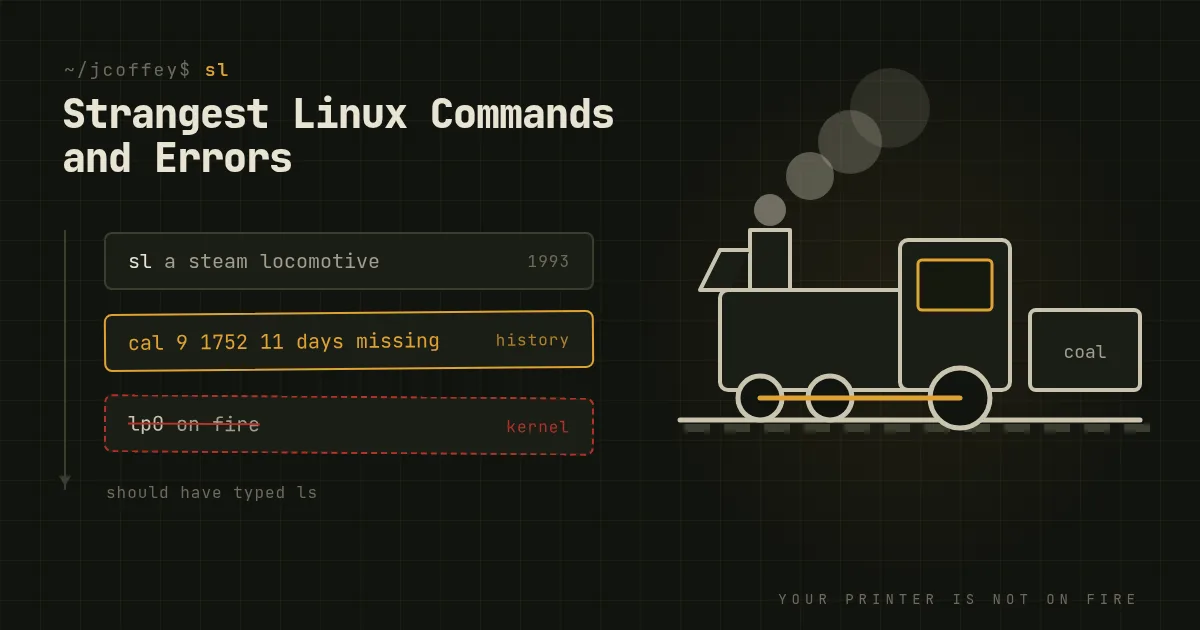
sl. Type sl when you meant ls and a steam locomotive chugs across your terminal, and you can't interrupt it. That's the point. It was written in 1993 by Toyoda Masashi to cure people of the typo. sl -F makes it fly. Install it with apt install sl.
apt moo. Debian's package manager ends apt-get --help with the line "This APT has Super Cow Powers." Type apt moo to see what that means. Its cousin aptitude moo insists there are no Easter eggs in the program, and gets less convincing the more -v flags you add.
cowsay and fortune. fortune prints a random quotation, and cowsay puts any text in a speech bubble from an ASCII cow. Together, fortune | cowsay has been on login screens since the 1990s. Try cowsay -l for the other animals.
cmatrix fills your terminal with falling green characters, for when you want to look like a hacker in a movie.
ddate printed the date in the Discordian calendar (today is the 52nd day of Confusion in the Year of Our Lady of Discord 3190). It was removed from util-linux's default build in 2013, which tells you something about how long these jokes survive in practice. Some distributions still package it separately.
Commands that look like jokes and aren't
yes prints "y" forever. It sounds pointless until you need to answer every prompt from a tool that has no --yes flag: yes | some-installer. It's also, accidentally, one of the fastest ways to make a CPU core hit 100 percent for testing.
cal 9 1752. Run it and you'll see September 1752 skip from the 2nd to the 14th. That's not a bug. It's the month Britain and its colonies switched from the Julian to the Gregorian calendar and dropped eleven days. cal follows history, and most programmers' date libraries quietly don't.
factor prints the prime factors of a number: factor 3628800 gives you the factors of 10 factorial. Feed it text and it complains that the input isn't a valid positive integer, which is fair.
units converts between almost anything: units '1 furlong/fortnight' 'mm/s'. It's the best calculator nobody knows they have.
rev reverses each line and tac prints a file's lines in reverse order. tac is cat backwards, in both senses.
look prints dictionary words starting with a prefix. It dates from the era when a Unix system shipped with a spell-checking dictionary in /usr/share/dict/words, and many still do.
Errors that sound absurd
lp0 on fire. A real Linux kernel message from the parallel port printer driver. It's printed when the printer reports an error condition the driver can't otherwise explain. It's been in the driver since Linux's early days, and nobody has wanted to be the one to remove it. Your printer is very probably not on fire.
Not a typewriter. This was the classic Unix message for the error code ENOTTY, returned when a program tried a terminal-control operation on something that isn't a terminal, like a file or a pipe. Most modern systems say "Inappropriate ioctl for device" instead, but you'll still meet the old wording now and then.
Text file busy. You tried to overwrite or delete a program while it's running. "Text" here means the executable code segment of a program, not a text file.
Structure needs cleaning. The filesystem has detected corruption in its own metadata. It's a polite way of saying "run fsck," or xfs_repair, on the unmounted filesystem, probably soon.
Stale file handle. Usually NFS. The file you have open was deleted or replaced on the server while you were holding it. Remount, or reopen it.
Too many levels of symbolic links. A symlink points to another symlink that eventually points back at itself. Follow the chain with namei -l path.
Errors that are telling you something specific
No space left on device, but df shows plenty of space. You've run out of inodes, the per-file metadata slots, usually because something has created millions of tiny files. Check with df -i. Session files and mail queues are classic causes.
Argument list too long. You ran something like rm *.log in a directory with hundreds of thousands of files, and the expanded list exceeds the kernel's limit on command-line arguments. Use find . -name '*.log' -delete instead.
Floating point exception. Surprisingly, this almost never involves floating point. The signal it reports, SIGFPE, is most often raised by integer division by zero. Look for a divisor that came out as zero.
Segmentation fault (core dumped). The program touched memory it doesn't own, which is a bug. On modern systemd distributions the "core dumped" part usually means the dump went to systemd-coredump, so coredumpctl list and coredumpctl gdb are where to look, not the current directory.
Bus error. Less common than a segfault. On Linux it usually means a program accessed a memory-mapped file that has since been truncated, or on some CPUs, misaligned memory.
Kernel panic - not syncing: Attempted to kill init! PID 1, the init process, died. The kernel can't carry on without it, so it stops. This is usually a broken initramfs, a missing root filesystem or a bad init binary.
One that's a safety net
rm -rf /. For decades this was the classic cautionary tale. Since 2006, GNU rm refuses to delete / unless you also pass --no-preserve-root. It's one of the few places where Unix decided to protect you from yourself. Don't test it, and don't rely on it either: rm -rf /* isn't covered.
The strangest thing about all of this is how much of it still works fifty years on. The jokes, the warnings and the printer that's on fire are all still there, waiting for someone to mistype ls.