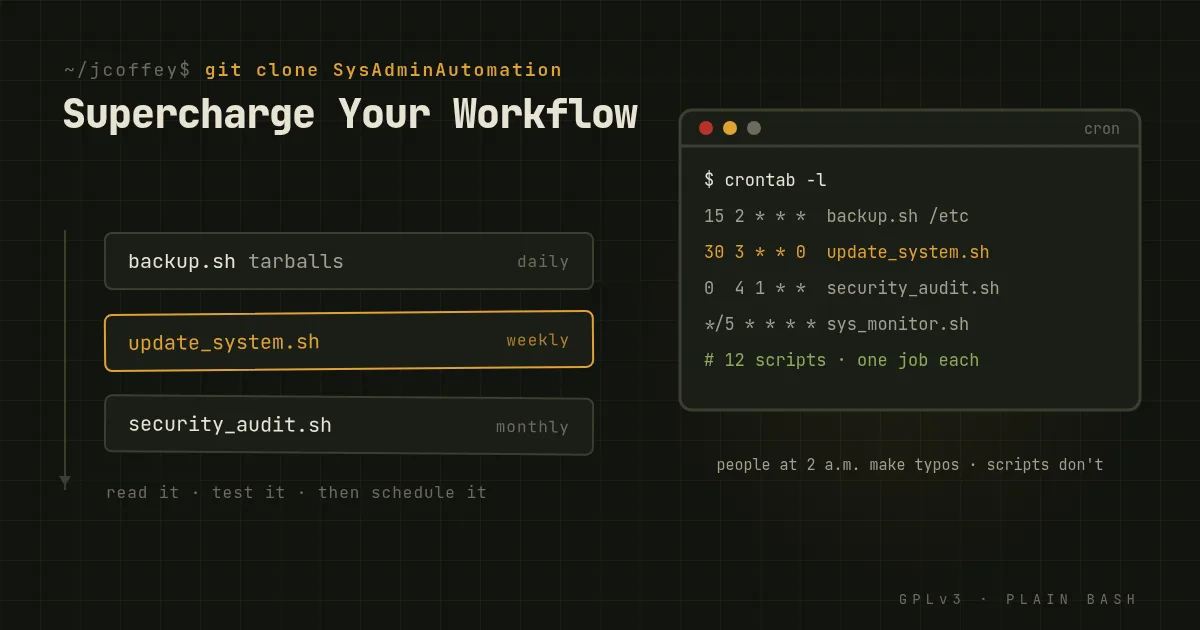
If you run Linux systems, you do the same jobs over and over. Update packages. Check disk space. Dig through logs. Restart a service. Rotate logs before they fill a disk. Add a user, remove a user.
Each one is small. Together they eat hours every week, and every manual repeat is another chance to typo something on a production box.
SysAdminAutomation is a collection of scripts for exactly those jobs. It's free, licensed under the GPLv3, and written to work across the common distributions.
What's in it
Each script does one job:
| Script | What it does |
|---|---|
backup.sh |
Archives directories into compressed tarballs |
restore.sh |
Restores files from those archives |
disk_cleanup.sh |
Reports disk usage, finds large files, and optionally clears package caches and temporary files |
log_inspect.sh |
Searches log files, or tails the latest system logs |
log_rotate.sh |
Compresses and rotates old logs |
network_info.sh |
Shows interfaces, routes, listening ports and basic firewall rules |
process_monitor.sh |
Lists the heaviest processes and can stop one by name or PID |
security_audit.sh |
Looks for world-writable files, SUID and SGID binaries, and open ports |
service_manager.sh |
Starts, stops, restarts and checks services, and enables or disables them at boot |
sys_monitor.sh |
Shows uptime, CPU, memory and disk use, and top processes |
update_system.sh |
Applies package updates with whichever of apt, dnf/yum, zypper or pacman the system has |
user_manage.sh |
Creates and removes users and groups, changes memberships, and locks or unlocks accounts |
They're plain Bash, and each starts with a comment header saying what it does and how to call it. You don't need to be a senior admin to read one, and you should read one before you run it.
Why script these jobs at all
- Time. A job you script once, you don't type again.
- Fewer mistakes. A script does the same thing every time. People at 2 a.m. don't.
- Consistency. Every server gets maintained the same way.
- Less to remember. The script remembers the flags so you don't have to.
- Better security. Updates, audits and backups happen on schedule, not when someone remembers.
Getting started
-
Clone the repository.
git clone https://git.coffeylabs.org/coffey-labs/SysAdminAutomation.git -
Read the README and the script you want. Know what it changes before it changes anything.
-
Adjust it for your systems. Paths, retention periods and which directories to back up will differ.
-
Try it somewhere safe before pointing it at production.
-
Schedule it with cron or a systemd timer, and check its output now and then.
One caution. update_system.sh applies every update your repositories offer, without asking. That's what you want on some machines and exactly what you don't want on others. Decide which kind of machine it's on before you schedule it.
Whatever the size
Whether you look after five servers or five hundred, the time adds up. These scripts are a starting point: small, readable pieces you can trust because you've read them, and change because they're yours. Bug reports and ideas are welcome on the issue tracker.